Step 01
Open a replay
Launch the League of Legends replay you want to turn into a cinematic.
Lolnam Editor provides professional tools for League of Legends cinematography.Create smooth camera sequences and take full control of the environment.
Windows 10 / 11 · Free download
Start with built-in presets, then fine-tune a distinctive cinematic look and compare every adjustment in real time.
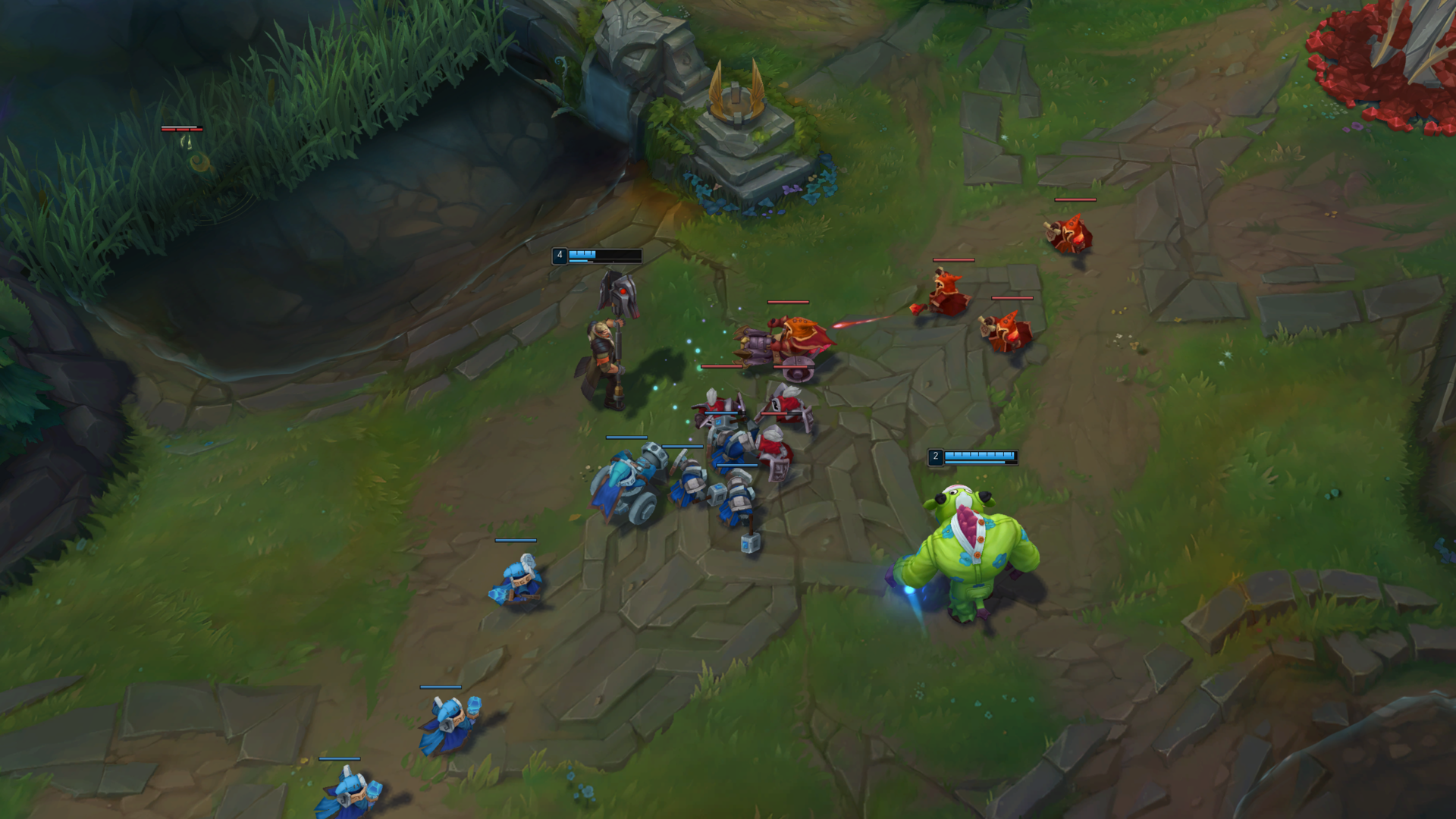
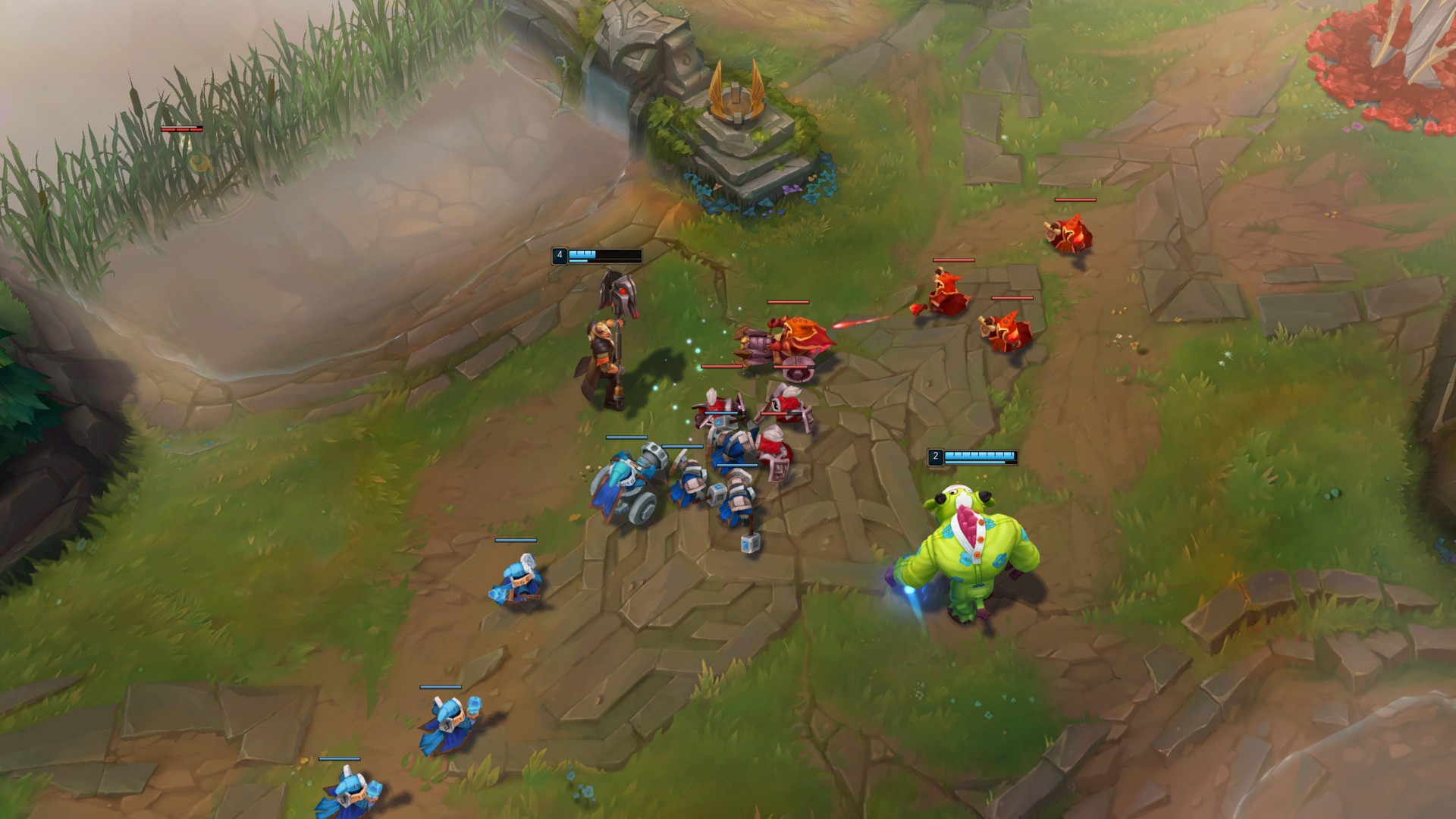
Drag the divider to compare the original frame with the graded result.
Camera work, color, atmosphere, and motion — shaped directly inside the replay.
How it works
Launch the League of Legends replay you want to turn into a cinematic.
Create your camera sequence and apply color grading in Lolnam Editor.
Use Lolnam Editor Recording to capture and export the finished cinematic.
Turn your replays into camera-directed, color-graded videos with Lolnam Editor.
Download for WindowsWindows 10 / 11 · Free download